
Overview
Connect Slack to Daymark so your team can ask questions directly from Slack and receive a Daymark report overview in the same thread. This integration lets you:- Mention
@Daymarkin Slack channels to ask questions - Get responses directly in the thread where the question was asked
- Daymark sends the link of the report so anyone on your team can view detailed insights
- Use the app in both public and private channels after inviting it
Prerequisites
Before installing Daymark in Slack, make sure you have:- An active Daymark account
- Access to the target Slack workspace.
- At least one data connector already connected in Daymark so the Slack app can access data
Access Control
All threads created through the Daymark Slack integration are visible to your team in Slack.Connect Slack in Daymark
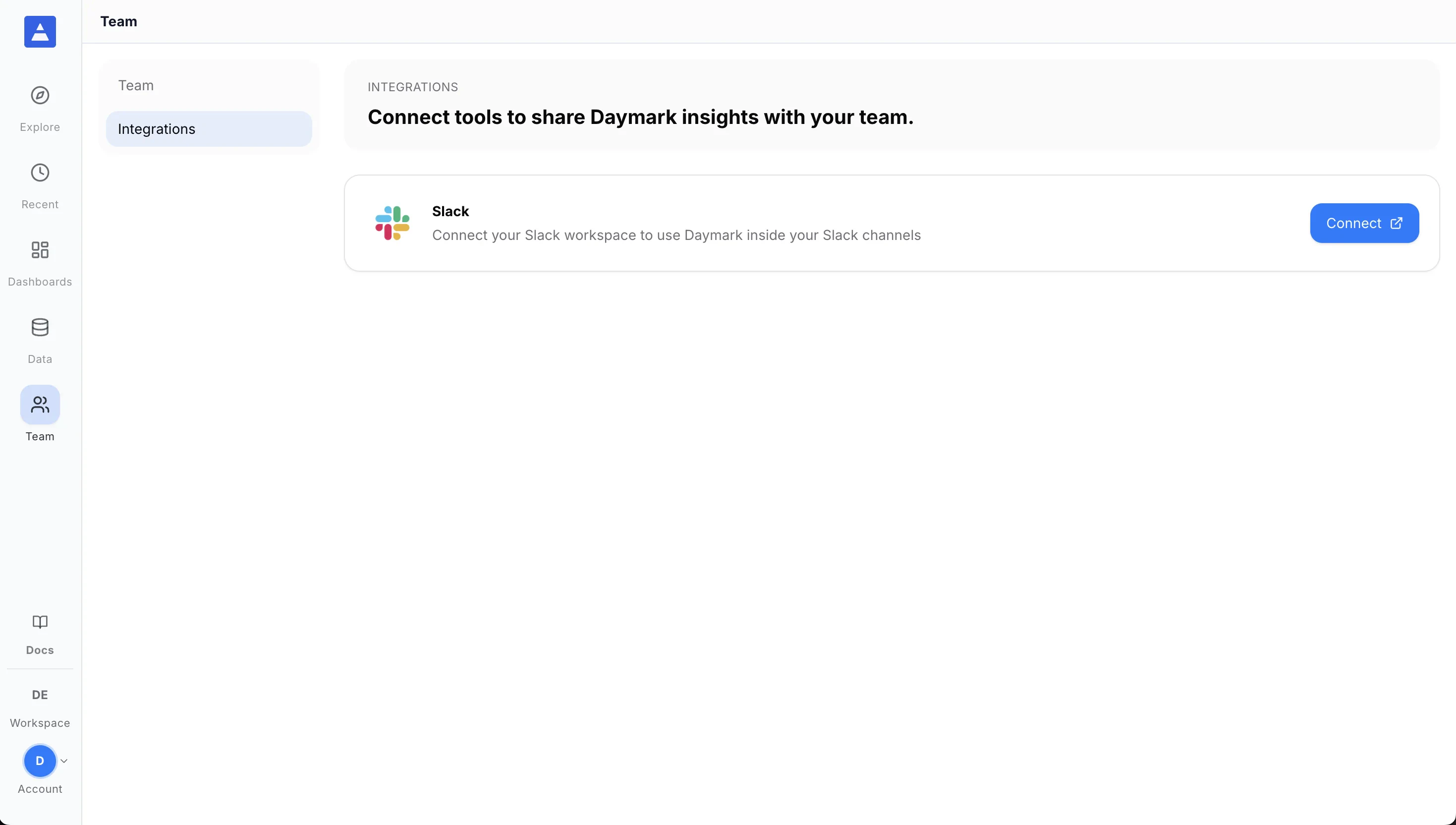
Step 1: Open the Slack integrations page
After logging in to Daymark:- Open Team from the sidebar
- Go to Integrations
- In the integrations list, find Slack
- Click Connect to start the Slack OAuth flow
Step 2: Authorize Daymark
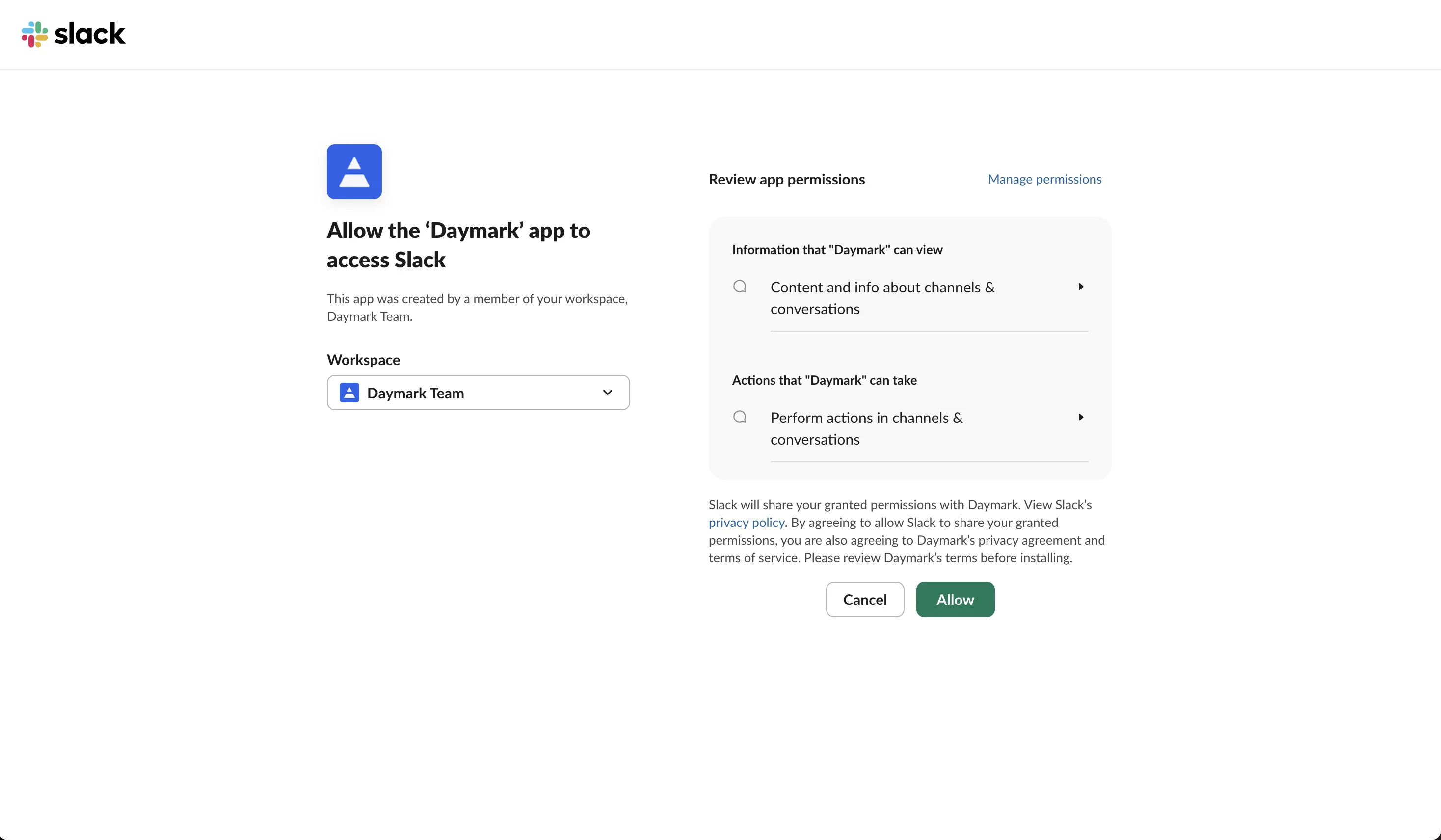
You will be redirected to Slack to authorize the integration:- Select your Slack workspace
- Review the permissions Daymark is requesting
- Click Allow to grant access
@Daymark and asks a data question, Daymark will reply in the same thread with the answer.
Once authorization is complete, the Slack integration status in Daymark will appear as Connected.
Use the app in Slack
After the integration shows as connected in Daymark, open your Slack workspace to start using it.Step 1: Invite the app to a channel
In any Slack channel where you want to use Daymark, invite the app first:Step 2: Ask a question
In a Slack channel where the app is present, mention@Daymark and ask your question:
- “What is the monthly revenue trend?”
- “Which products grew the fastest this quarter?”
- “Show pipeline created this month by owner”
👀appears while the request is running✅appears when the response succeeds⚠️appears if the request fails