Overview
Connect Google Search Console to uncover which search queries drive traffic, identify top-performing landing pages, track trends over time, and analyze performance. You can use this connection to:- Understand which queries bring visitors to your site
- See top landing pages and performance over time
- Break down results by country, device, and page
Connect Google Search Console in Daymark
Open the Explore page
From your Daymark workspace, open Explore to start the connection flow.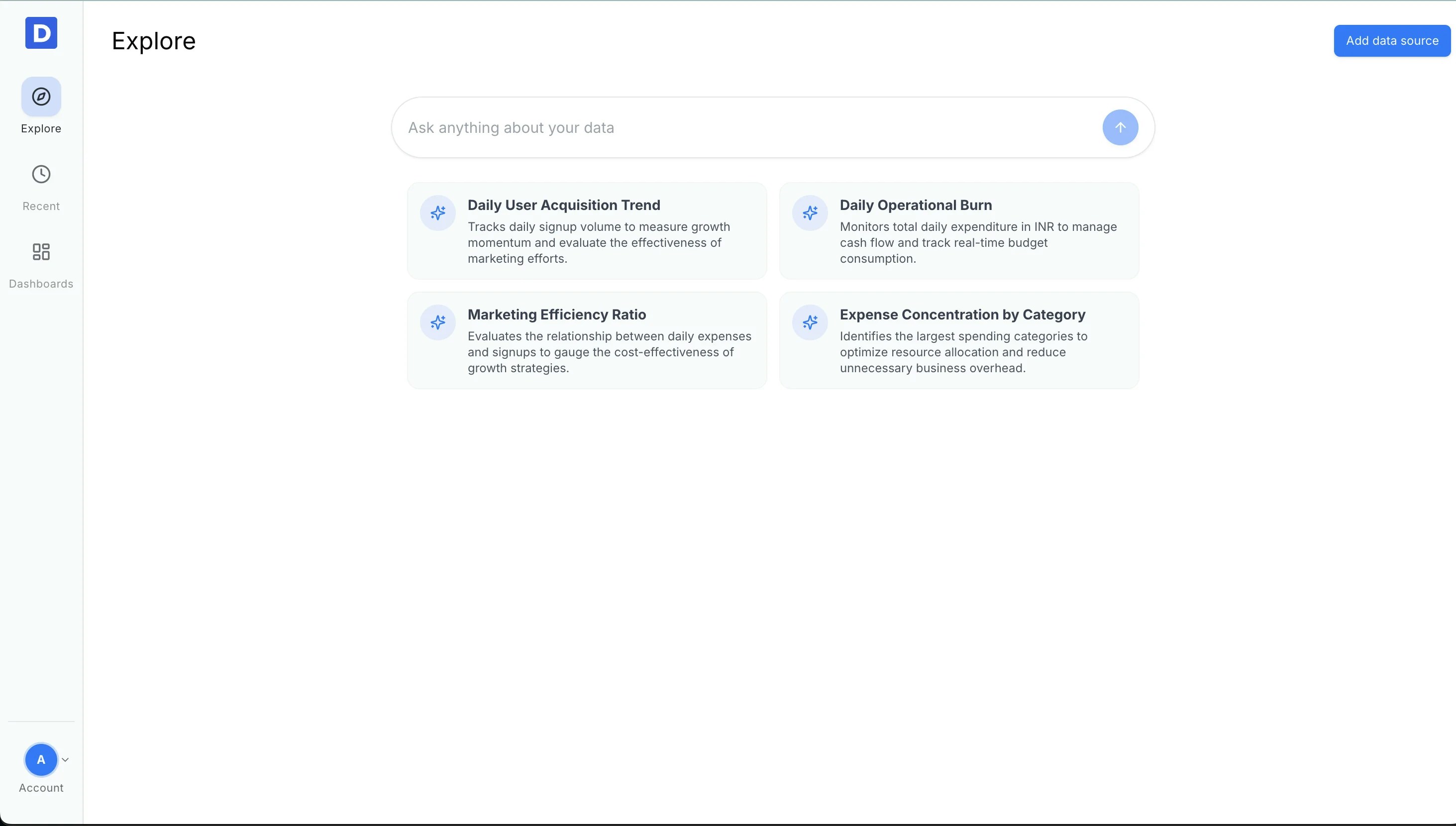
Open Data Connectors
Click Add data source to open the connector list, then choose Google Search Console.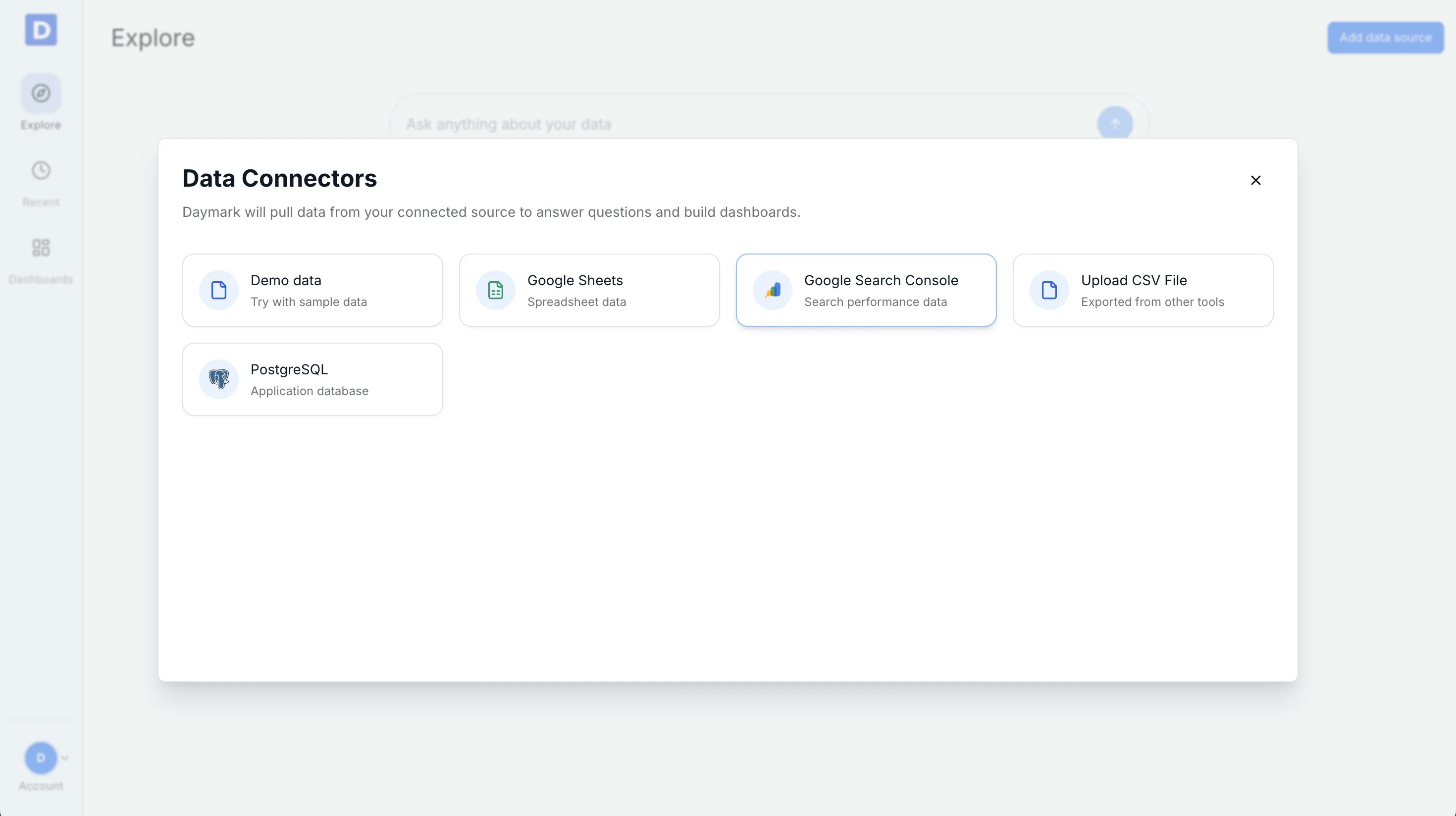
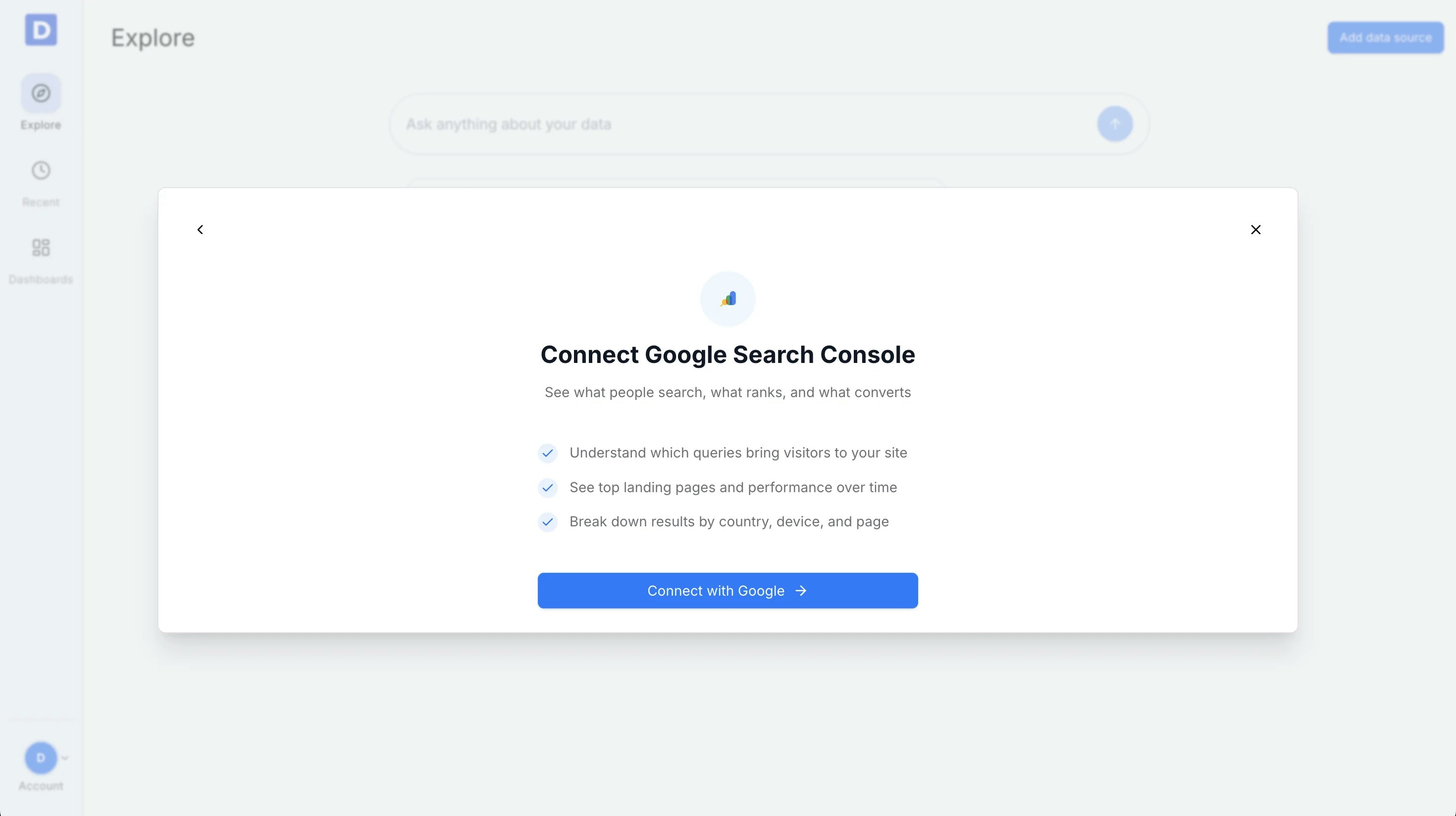
Connect your Google account
Select Connect with Google → and complete the Google sign-in flow.Daymark only reads data the user has permission to access in Google Search Console and does not modify or write back to the data.
Choose your property and date range
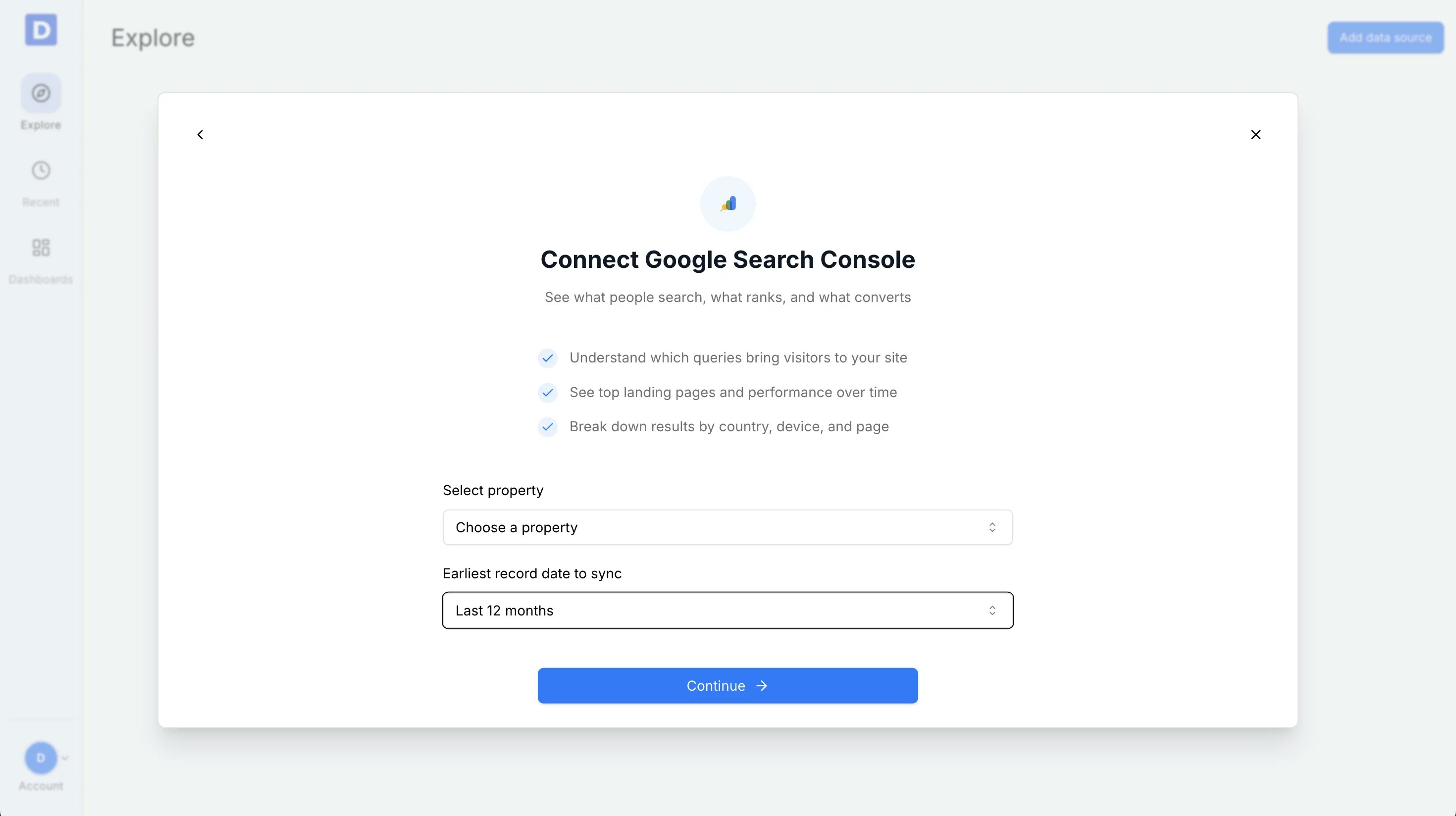
Use the connector form to finish the setup:- Select the Search Console property you want to analyze (e.g., https://example.com)
- Choose the date range Daymark should pull data for (last 30 days, last 90 days, last 12 months, or all time)
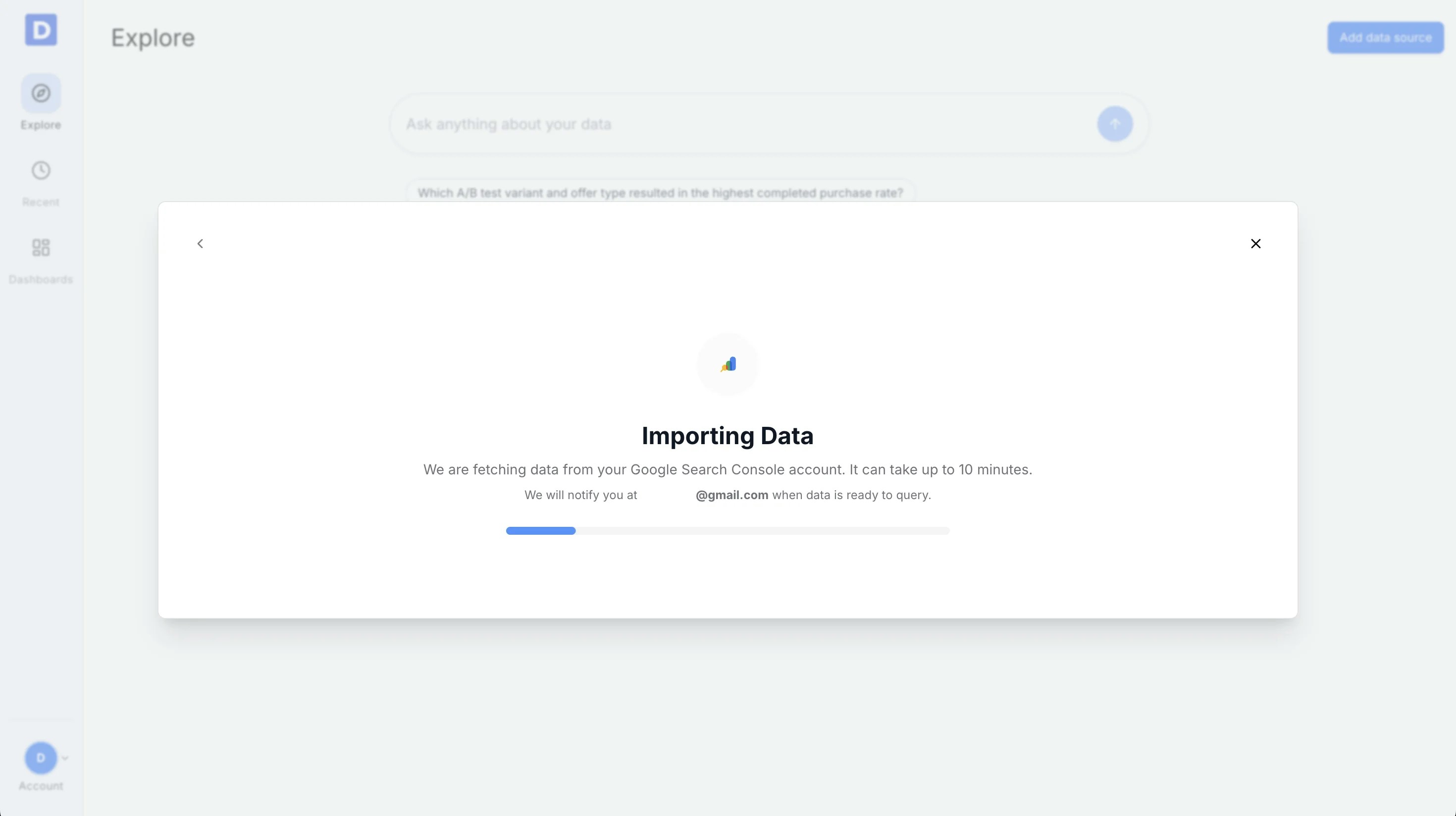
Import Data
Daymark will sync the selected Search Console data and prepare it for querying. When the sync completes, you can start asking questions.