
Overview
Once your dashboard is ready, you can share it with teammates so everyone sees the same data-backed view. Sharing uses a secure, password-protected link.Share with Your Team
1
Open the dashboard
Navigate to the dashboard you want to share.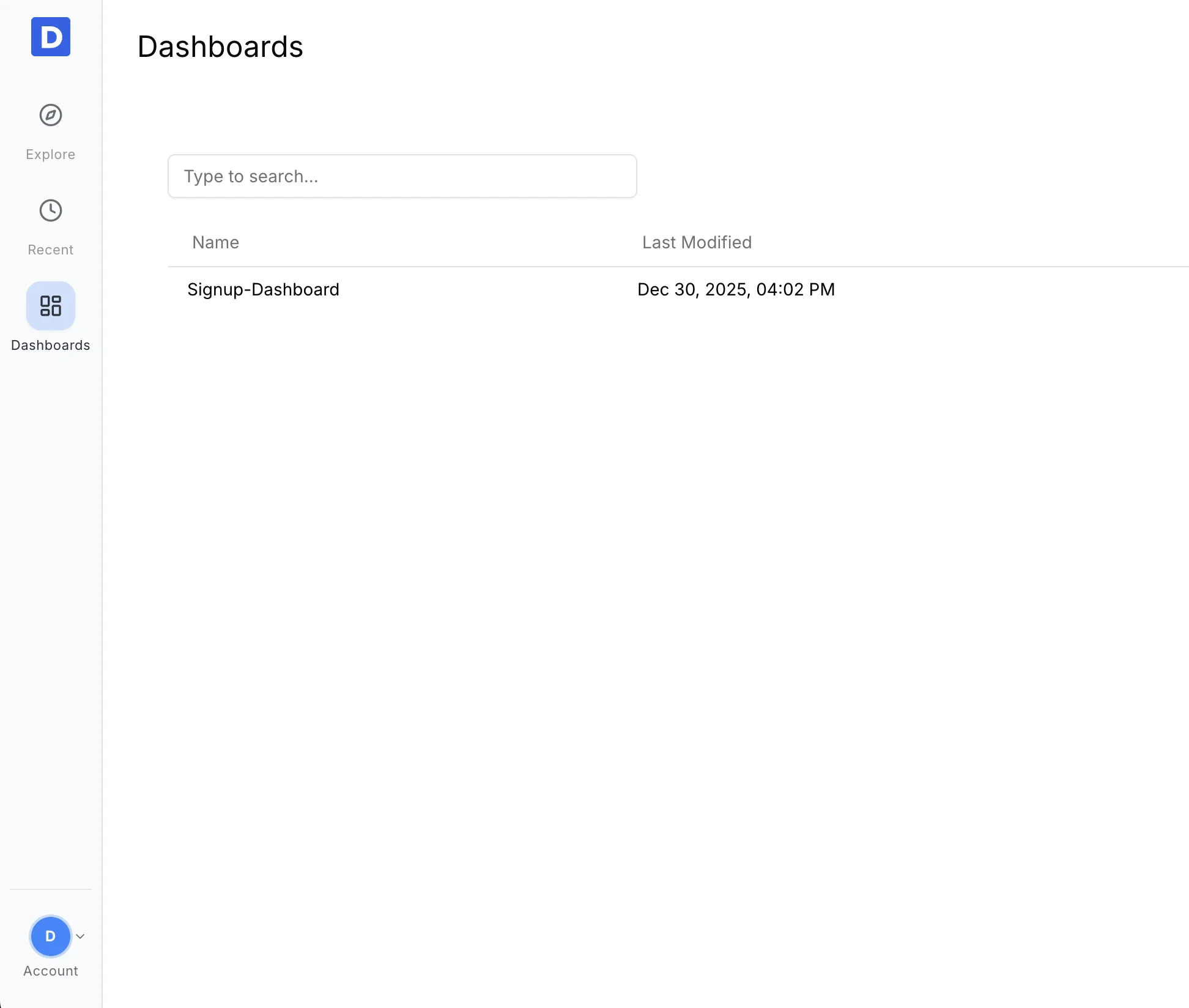
2
Click Share
On the dashboard page, click Share in the top-left corner to start sharing.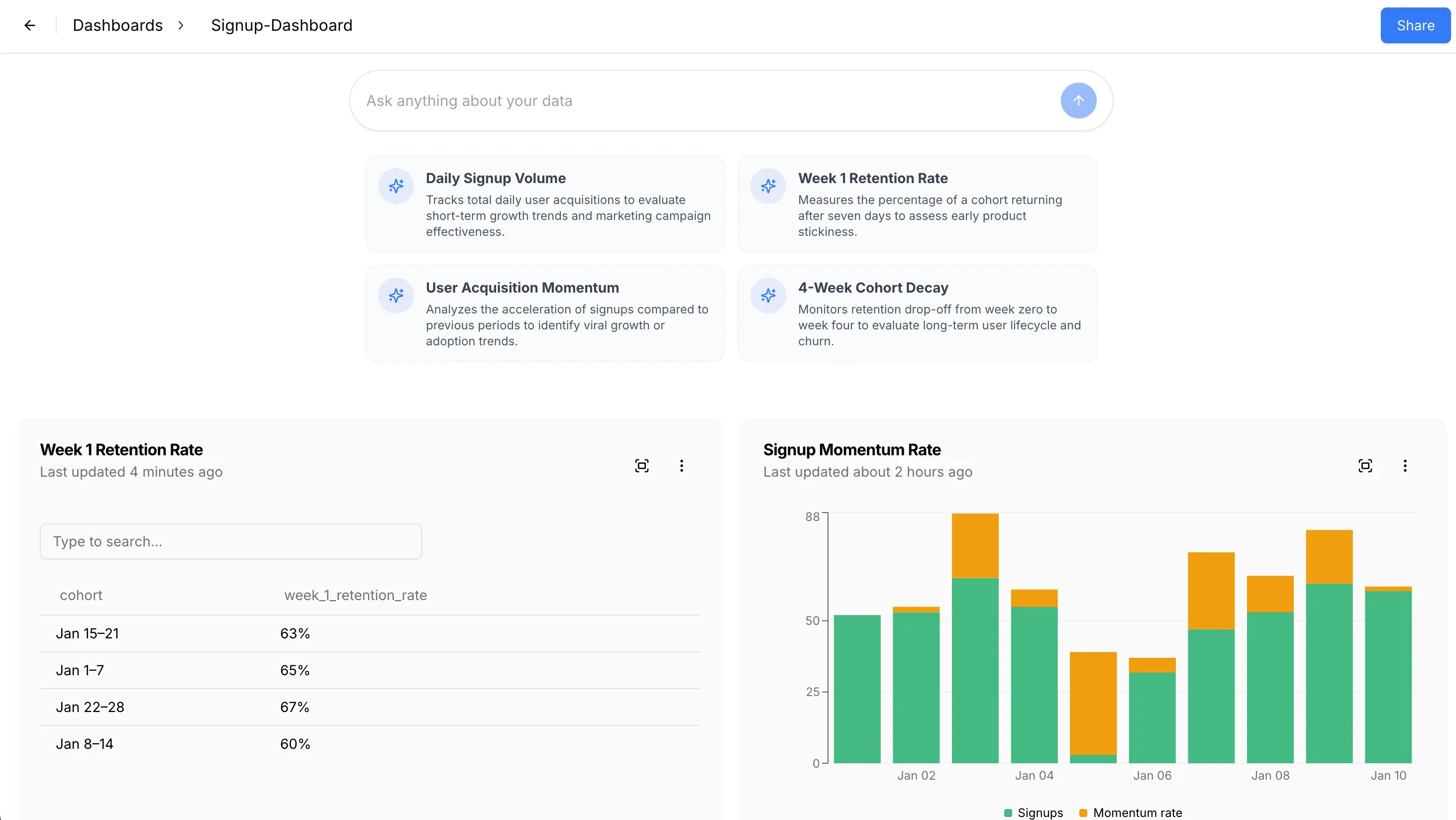
3
Add teammate access
Enter your teammate’s email in the popup to grant access.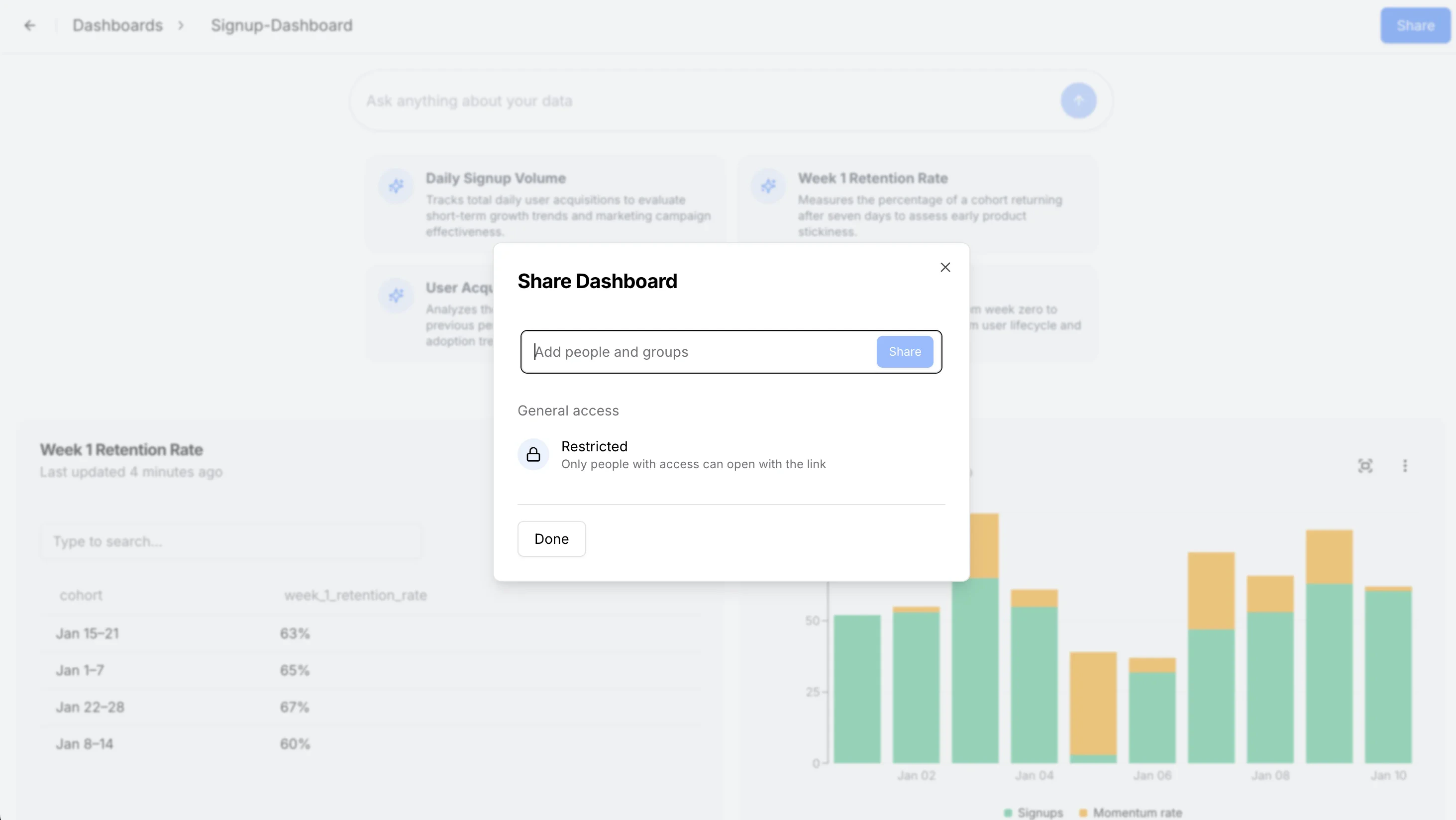
4
Send the share link
Once Click on Share. Daymark automatically sends a password-protected link. Recipients enter the access key to view the dashboard.
What Teammates See
- The same dashboard layout and charts
- Up-to-date results powered by the connected data source
Security Notes
- Links are password-protected
- Access is granted only to the teammates you invite